
-
Register Now for a Free Account!Unlock additional site access with your free account today, takes less than a minute, and guaranteed no spam - ever. Register Now!
Cruising Earth
Costa Cruises
Cruise Ship Webcams

Costa Cruises Cruise Ship Webcams
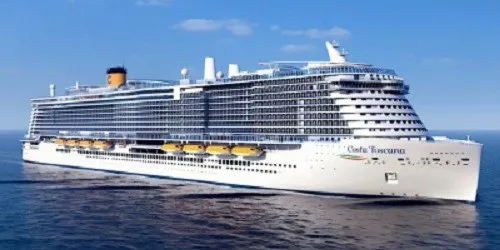
Costa Cruises webcams showcase the authentic Italian passion for cruising. With strong Italian design and a warm, welcoming atmosphere, Costa delivers the “Italian Way of Cruising” that blends Mediterranean elegance with lively onboard energy. The webcams capture stylish outdoor decks, expansive pools, and dramatic bow views as ships sail the Mediterranean, Northern Europe, Caribbean, and South America, giving viewers the feeling of a floating Italian holiday.
These cruise ship cameras let you experience Costa Cruises' distinctive itineraries in real time as the ships sail through scenic waterways and arrive at world-famous ports and exotic destinations around the globe. Follow each voyage as it unfolds, from embarkation to debarkation, with stunning live views along the way.
Costa Cruises Quick Facts
- Founded In: 1854 / 172 Years of Service
- Founded By: Giacomo Costa and the Costa family
- Headquarters: Genoa, Italy
- Parent Company: Carnival Corporation & plc
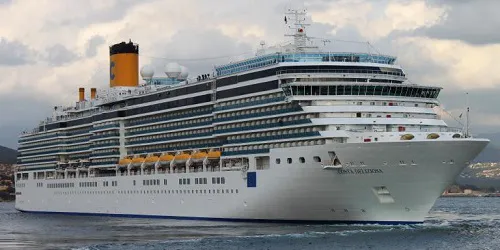
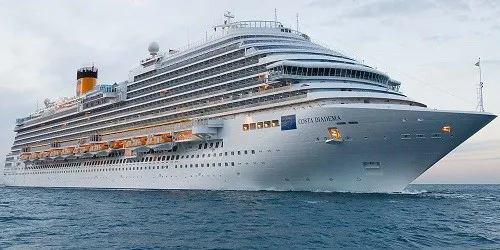
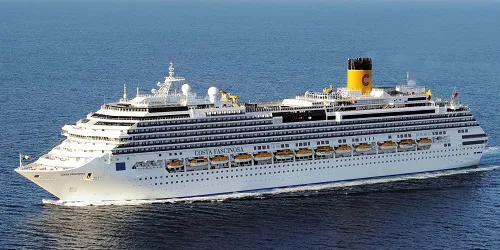
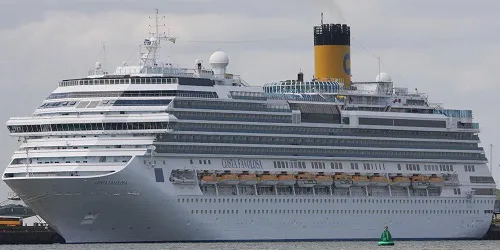
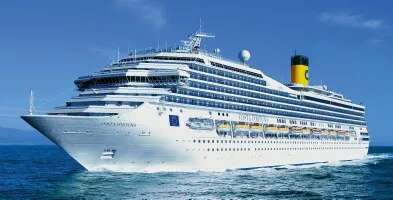
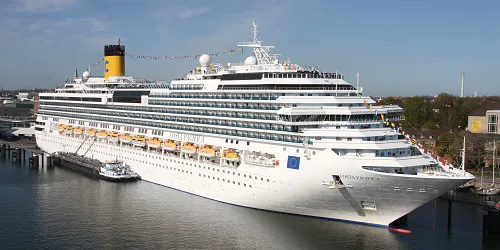
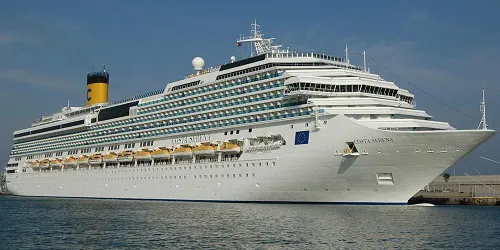
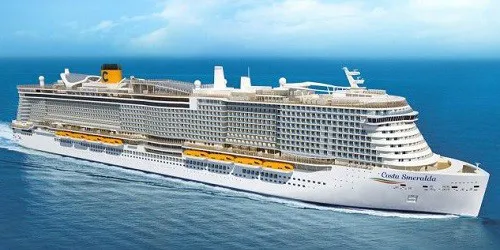
Webcam Images Update Automatically
Some ship webcams are live-streaming. Those that aren't live-streaming webcams display static images which are updated between once every 30 seconds to once every fifteen minutes. To make sure you don't miss any updates from the static image webcams we automatically look for a new image every 30 seconds. This will ensure you always have the latest image without having to manually reload/refresh any page.
Reporting A Broken Webcam
At the bottom of each ship webcam & port webcam page you will find a button to "Report No Webcam Image." Clicking the button will automatically create and send an issue report for that specific webcam. It's that easy, and it will help us to keep all our webcams fully functioning.