
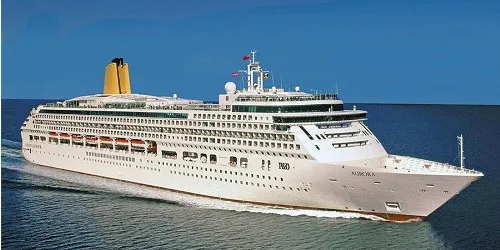

Aurora Bridge (Forward) Webcam Decommissioned
This ship webcam has been decommissioned by the ship operator P&O Cruises. If you would like to see Aurora's camera(s) returned to service please contact the cruise line directly. The following is P&O Cruises' customer service contact information and social media links:
Headquarters: Southampton, United Kingdom
Parent Company: Carnival Corporation & plc
Website: https://www.pocruises.com/
Email: customerservices@pocruises.com
Phone: +44 345 355 5111
Aurora Cruise Ship Details
Track Aurora Live Now!
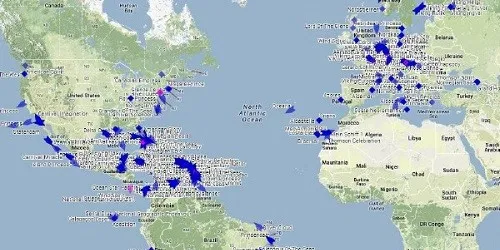
The button above will take you to track Aurora live on our ship tracker.
Webcam Images Update Automatically
Some ship webcams are live-streaming. Those that aren't live-streaming webcams display static images which are updated between once every 30 seconds to once every fifteen minutes. To make sure you don't miss any updates from the static image webcams we automatically look for a new image every 30 seconds. This will ensure you always have the latest image without having to manually reload/refresh any page.
Webcam Images May Not Always Be Available
If an image appears old, incomplete, black, or missing, it's almost always due to an issue at the webcam source, which is beyond our control. The image will return automatically once the webcam is back online. If you see a completely black image for an extended time and the ship is an area where it is daytime, feel free to report it below. Your report helps us stay on top of problem webcams.
Thank you for helping us keep the webcams working properly!